
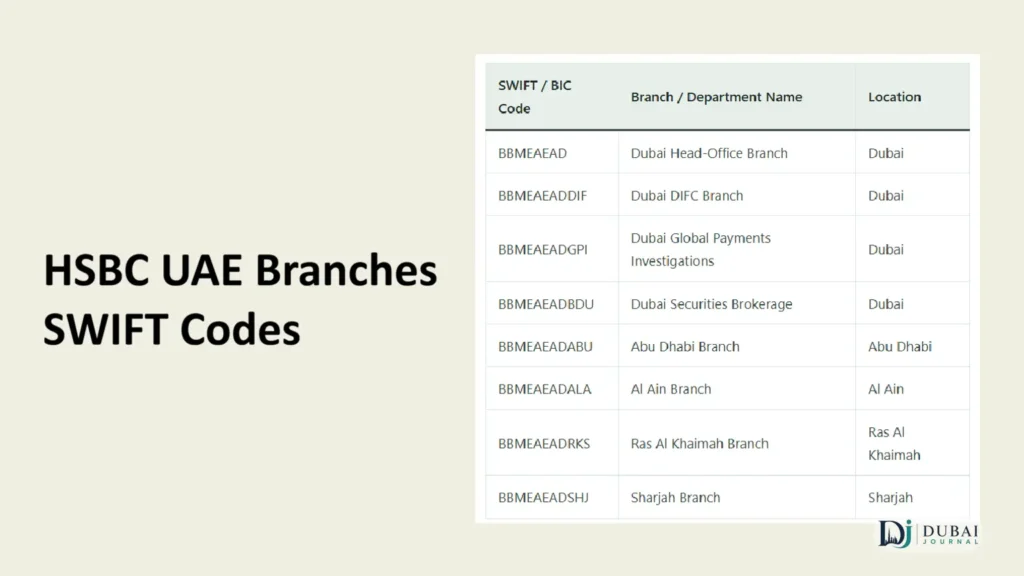
The HSBC UAE SWIFT/BIC code is BBMEAEAD. HSBC prints it as “BBME AEAD,” but you enter it as one 8-character string with no space. If a transfer form insists on 11 characters, use BBMEAEADXXX.
The code only gets the money to HSBC in the UAE. Your IBAN gets it into your account, and a sender needs both, plus your name, address, and HSBC’s bank details. The table below covers every field.
Details to give your sender
Sender abroad needs your full name and address, the bank’s name and address, your account number, and your correct IBAN. Here’s what goes in each field:
| Field | What to enter |
|---|---|
| Beneficiary name | Your full name, exactly as it appears on your HSBC account |
| Beneficiary address | Your address as registered with HSBC |
| Bank name | HSBC Bank Middle East Limited, UAE Branch |
| Bank address | P.O. Box 66, Dubai, United Arab Emirates |
| SWIFT/BIC | BBMEAEAD (or BBMEAEADXXX if 11 characters are required) |
| IBAN | Your 23-character IBAN, starting with AE |
| Account number | Your HSBC UAE account number |
Inward transfers are open to existing HSBC customers with a valid account.
Which currency to ask for
You can ask the sender’s bank to send in their home currency or in AED:
- Home currency: HSBC UAE converts it to AED at HSBC’s exchange rate. HSBC Premier customers get preferential rates.
- AED: the sender’s bank does the conversion before the money leaves.
Compare the two rates on the day of the transfer before you choose. The better rate decides which side should convert.
Which HSBC code to use
For a payment into a personal HSBC UAE account, use BBMEAEAD. It’s the code HSBC gives its customers, and it isn’t tied to one branch, so the same code works whether you bank in Dubai, Abu Dhabi, or Sharjah.
BBMEAEADXXX is the same code in 11-character form. The “XXX” is the standard filler for a bank’s main office, and it routes to the same place as BBMEAEAD.
HSBC Bank Middle East also holds 11-character swift codes for specific units:
| SWIFT / BIC Code | Branch / Department Name | Location |
|---|---|---|
| BBMEAEAD | Dubai Head-Office Branch | Dubai |
| BBMEAEADDIF | Dubai DIFC Branch | Dubai |
| BBMEAEADGPI | Dubai Global Payments Investigations | Dubai |
| BBMEAEADBDU | Dubai Securities Brokerage | Dubai |
| BBMEAEADABU | Abu Dhabi Branch | Abu Dhabi |
| BBMEAEADALA | Al Ain Branch | Al Ain |
| BBMEAEADRKS | Ras Al Khaimah Branch | Ras Al Khaimah |
| BBMEAEADSHJ | Sharjah Branch | Sharjah |
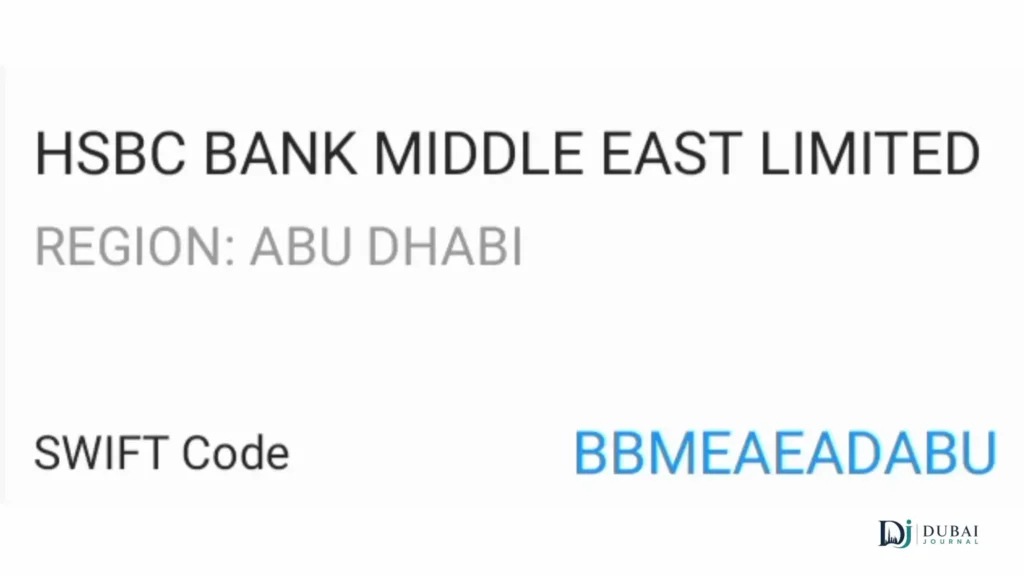
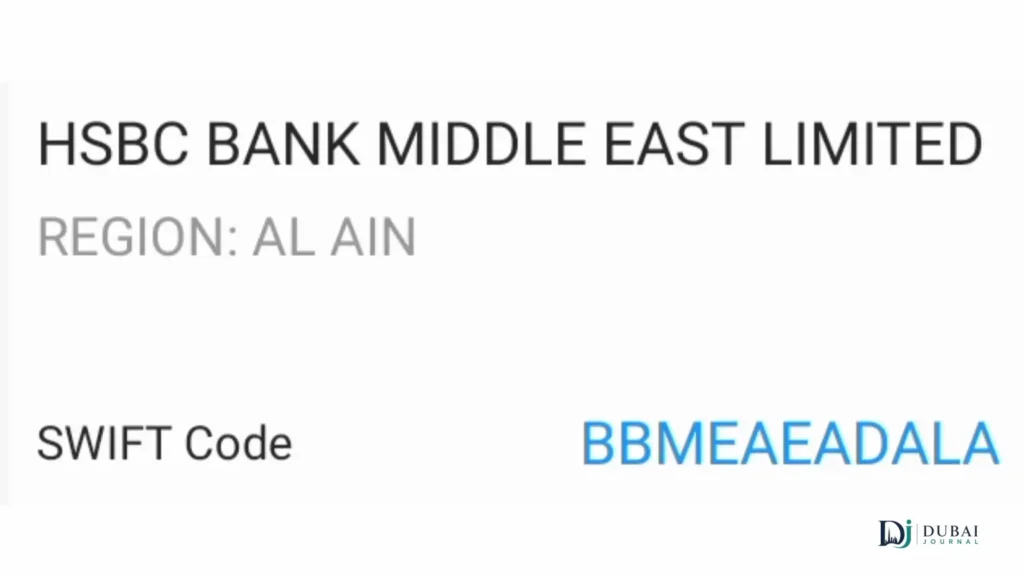
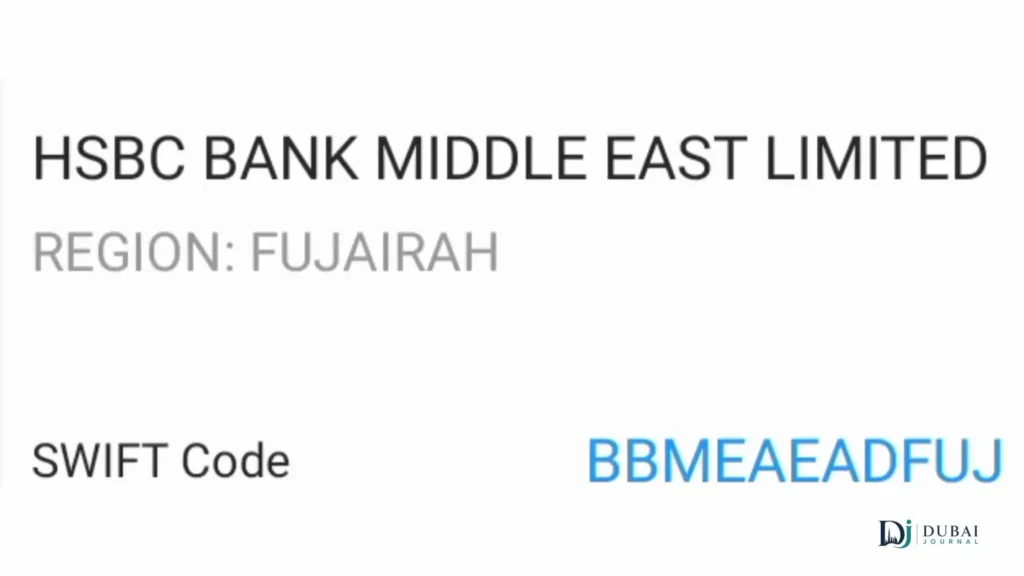
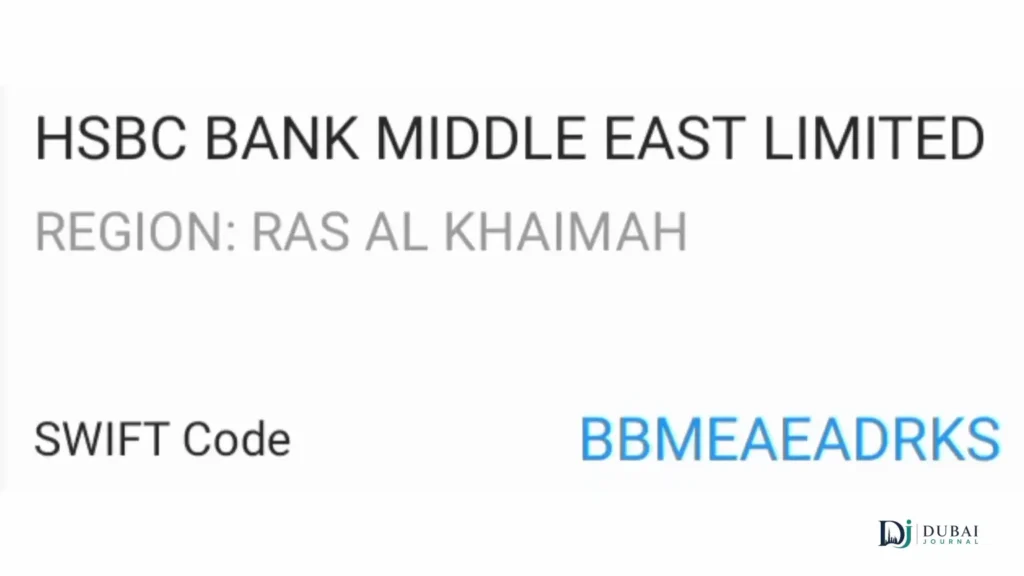
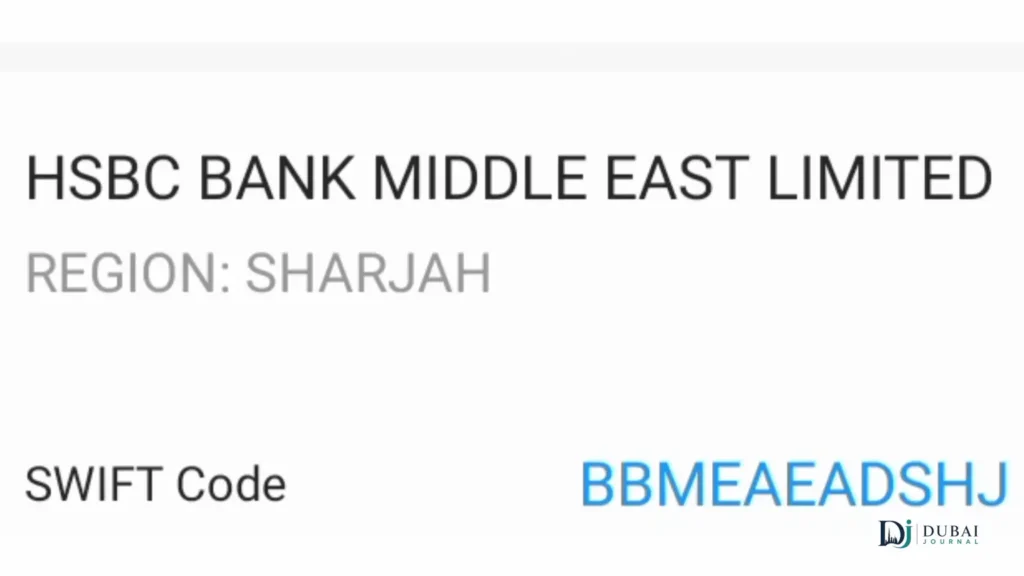
None of these are needed for a personal transfer. Stick to BBMEAEAD.
Reading your HSBC IBAN
A UAE IBAN has 23 characters: 2 letters followed by 21 digits. The Central Bank of the UAE sets the structure:
| Position | Characters | What it means |
|---|---|---|
| 1–2 | AE | Country code for the UAE |
| 3–4 | 2 digits | Check digits that validate the IBAN |
| 5–7 | 020 | Bank identifier (HSBC) |
| 8–23 | 16 digits | Your account number |
The bank identifier is 020. This gives you a quick check: if characters 5 to 7 of the IBAN aren’t 020, it isn’t an HSBC UAE IBAN.
When you write the IBAN on a document, split it into groups of four for readability. When you enter it in an online transfer form, type it as one continuous string with no spaces.
How to find your IBAN
- Log on to HSBC online banking, select the account, and view its details.
- Or use HSBC’s IBAN generator and enter your account number.
The generator builds the IBAN from whatever account number you type, so a single wrong digit produces a wrong IBAN. Copy the account number from your statement or app rather than typing it from memory.
Salary from a UAE employer
A UAE employer paying into your HSBC account is making a domestic transfer, so your IBAN does the work. There are three things your employer usually needs:
- Your full name as it appears on the account
- Your 23-character IBAN
- Your BIC/SWIFT code (BBMEAEAD)
If a payroll form asks for a routing code, HSBC’s beneficiary bank code list gives HSBC Bank Middle East the routing code 302020175 for non-WPS payments, alongside bank code 020.
Once the first salary lands, check your statement against your payslip. Our guide to checking your salary balance in the UAE covers the app, SMS, and ATM methods.
Fees that can come off the amount
HSBC doesn’t set every fee on an incoming transfer. Correspondent and receiving banks along the route can deduct their own charges, according to HSBC’s inward transfers page, so the amount that lands can be lower than the amount sent.
Who pays those charges depends on the charge code the sender picks. HSBC UAE defines them:
- OUR: the sender pays all fees.
- SHA: fees are shared between sender and receiver.
- BEN: the receiver pays all fees, deducted from the amount.
If you need an exact amount to arrive, such as rent or a tuition payment, ask the sender to choose OUR.
If the money doesn’t arrive
Check these in order:
- Check the IBAN and name. HSBC warns that incorrect or incomplete details can lead to penalties and fees, a rejected payment, or a delay.
- Check the SWIFT code. It should be BBMEAEAD or BBMEAEADXXX, not a unit code.
- Ask the sender for the payment confirmation. Their bank can give them the transfer reference and trace the payment. HSBC’s international payment tracker only covers payments sent out of HSBC UAE, so an incoming payment has to be traced from the sender’s side.
- Expect extra checks on some payments. HSBC notes that the actual time to complete a transfer can run past estimates when a bank in the chain reviews it more closely.
- If a returned payment was converted, the refund can come back at a different exchange rate, so the amount may not match the original.
If you sent money from an HSBC UAE account and need to recall it, call 800 4525 within the UAE or +971 4 227 4310 from outside. HSBC may charge a recall fee and can’t guarantee the recall will succeed.
FAQ
Is BBMEAEAD the same for all HSBC UAE branches?
Yes. BBMEAEAD is the code HSBC gives for payments into its UAE accounts, whichever branch you bank with.
Should I use BBMEAEAD or BBMEAEADXXX?
Either works. They’re the same code. Use the 8-character BBMEAEAD by default, and BBMEAEADXXX only when a form requires 11 characters.
What is HBMEAEAD?
HBMEAEAD is a separate head-office code held by HSBC Bank Middle East. It isn’t the code for payments into a personal HSBC UAE account. Use BBMEAEAD instead.
Do I need the SWIFT code for a transfer within the UAE?
A transfer within the UAE runs on your IBAN. Employers and banks may still ask for the SWIFT code on their forms, so keep BBMEAEAD handy, but the IBAN is what identifies your account.
How do I find my HSBC IBAN?
Log on to online banking, select the account, and view its details, or use HSBC’s IBAN generator with your account number. The IBAN is 23 characters and starts with AE, followed by 2 check digits and 020.
Can I receive money in a foreign currency?
Yes. The sender can send in their home currency, and HSBC UAE converts it to AED at its exchange rate. Premier customers get preferential rates.
Checklist before you share your details
- Copy your IBAN from online banking or the HSBC generator, and confirm characters 5 to 7 read 020.
- Give the SWIFT code as BBMEAEAD.
- Use your name exactly as it appears on your HSBC account.
- Give the bank name as HSBC Bank Middle East Limited, UAE Branch, P.O. Box 66, Dubai.
- Agree on the currency, and ask for the OUR charge option if the full amount must arrive.
- Ask the sender to share the payment confirmation once the transfer is sent.
