
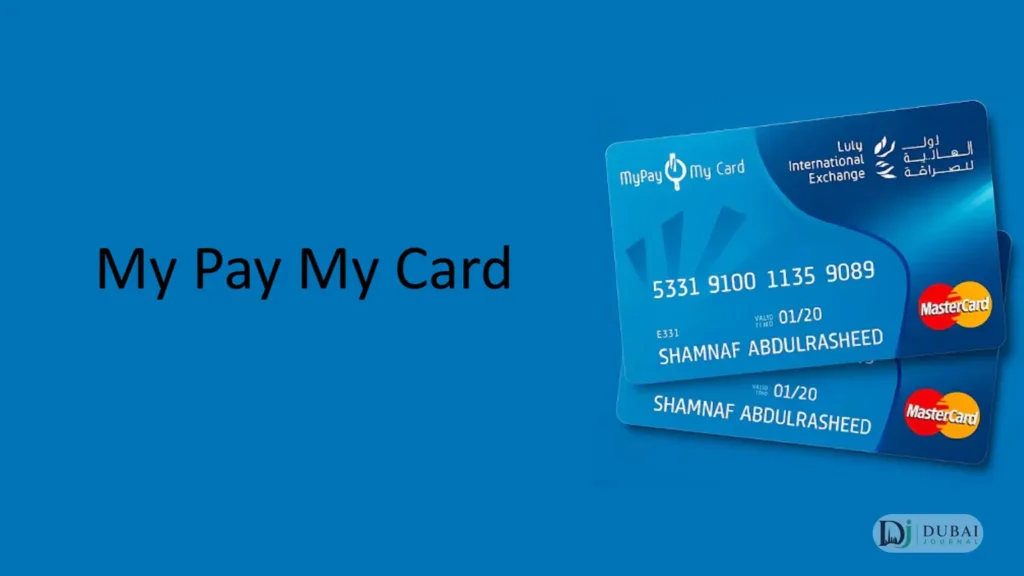
My Pay My Card is the WPS salary card issued by LuLu Exchange for employees who get paid without a bank account. If you’ve seen it written as “MyPay,” “MyPay: MyCard,” or just “the LuLu salary card,” those all mean the same product.
One thing to know before anything else: you can’t apply for this card yourself. It’s issued through your employer as part of their payroll setup with LuLu Exchange, so the card reaches you via your company’s HR, not by a personal application.
This guide covers what the card is, how to activate it, how to check your balance, what it costs, and what it can and can’t do.
What My Pay My Card is
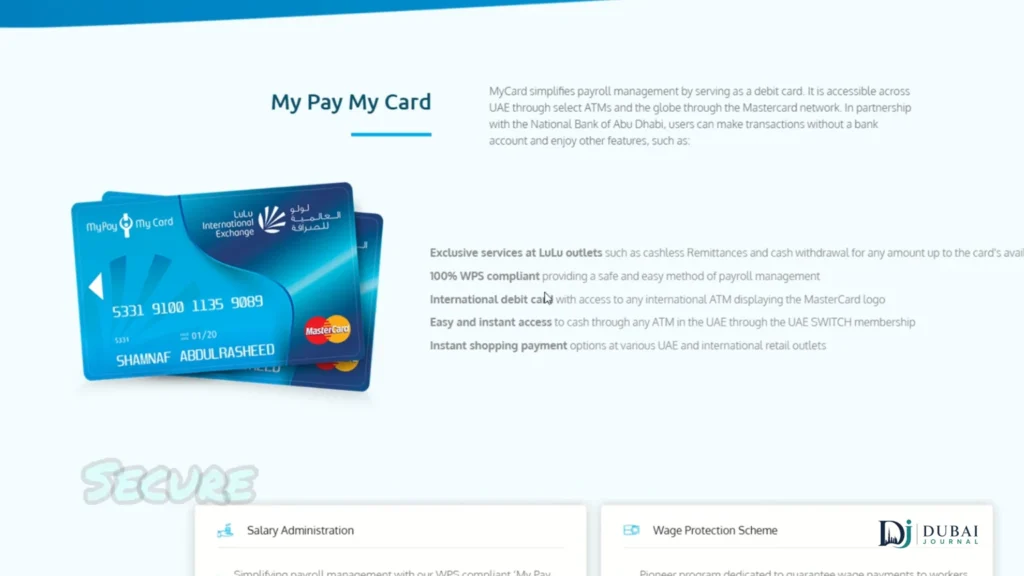
My Pay My Card is a prepaid salary card that LuLu Exchange runs in partnership with First Abu Dhabi Bank (FAB), under the UAE’s Wage Protection System (WPS). WPS is the electronic salary-transfer framework enforced by the Ministry of Human Resources and Emiratisation (MOHRE) together with the Central Bank of the UAE. When your employer processes payroll through LuLu, your wages land straight on the card.
It works like a debit card for everyday use: withdraw cash, tap to pay in shops, and send money home. What it isn’t is a bank account. There’s no savings function, no credit, and no overdraft. It exists to receive your salary and let you spend and withdraw it.
Two other LuLu products get mixed up with it, and they’re separate:
- The LuLu Money remittance account, used for international transfers and currency exchange, is not your salary card.
- The LuLu Hypermarket gift card, a prepaid retail card for shopping in store, has nothing to do with payroll or WPS.
Your salary card and those two have different balances, so checking one won’t show the other. FAB’s Ratibi salary card is a similar WPS product issued through a bank rather than LuLu.
My Pay My Card quick facts
| Detail | Information |
|---|---|
| Product name | My Pay My Card (also “MyPay: MyCard”) |
| Provider | LuLu Exchange |
| Bank partner | First Abu Dhabi Bank (FAB) |
| Card type | Prepaid WPS salary debit card |
| Who it’s for | Private-sector employees paid via WPS, without a bank account |
| Bank account needed | No |
| Managed through | LuLu Money app |
| Cash access | LuLu branches, plus Emirates NBD, Emirates Islamic and Mashreq ATMs |
| Support | LuLu Exchange customer care, 600 52 2204 |
Who can get it, and how it’s issued
The card is built for private-sector workers whose salaries run through WPS and who don’t hold a personal UAE bank account. It’s especially common for blue-collar and lower-to-middle-income staff, and it removes the need to open an account just to get paid.
Getting one is an employer-led process:
- Your company must be registered under the MOHRE and Central Bank WPS framework and hold a payroll agreement with LuLu Exchange.
- You give your employer your documents, typically your valid UAE residence visa and Emirates ID.
- Your employer registers you under their WPS payroll, LuLu issues the card, and it’s handed to you through your company.
Because the issuing relationship sits between your employer and LuLu, an individual walking into a branch can’t request one independently.
How to activate the card
A new card has to be activated and given a PIN before you can withdraw or pay. There are two main routes.
Through the LuLu Money app:
- Download and open the LuLu Money app (iOS or Android) and log in or register.
- Go to the My Cards section and select Activate Card.
- Enter your card details as prompted.
- Choose OTP verification, then enter the one-time password sent to your registered mobile number to finish activation.
Through an ATM:
- Insert the card at a FAB ATM (or another partner-bank ATM).
- Follow the on-screen prompts to set your PIN.
Once the PIN is set, the card is live for withdrawals and payments. Keep the PIN private, since responsibility for keeping it confidential sits with you as the cardholder.
How to check your balance
You’ve got a few ways to see your balance and confirm a salary credit:
- LuLu Money app. The primary method, showing real-time balance and full transaction history. For most people this becomes the main account screen.
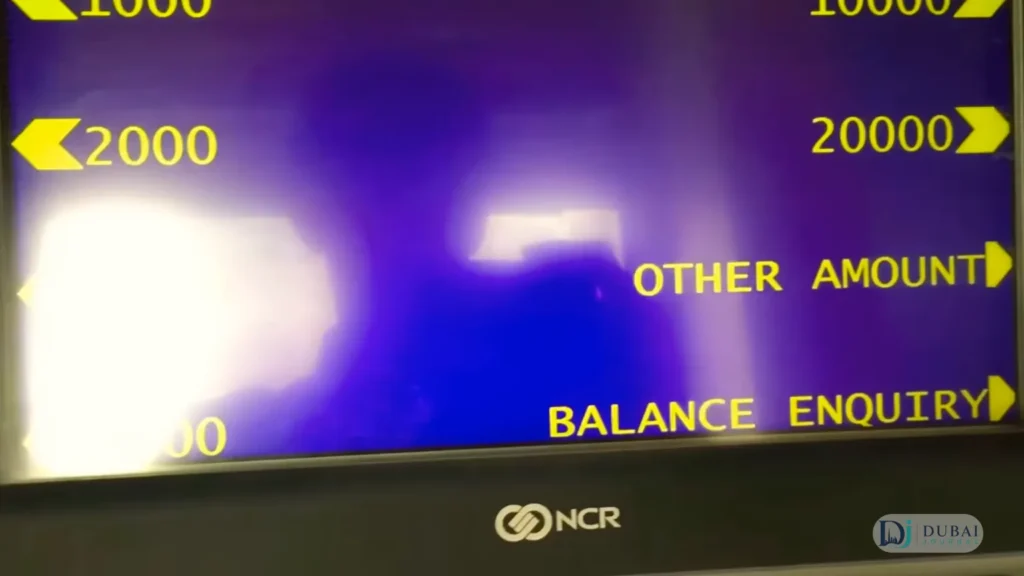
- ATM. Run a balance inquiry at any ATM your card works on, including LuLu branches and the partner-bank networks.
- SMS alerts. If your employer has enabled the service, you get a text when your salary is credited.
Checking is worth doing around payday, since salaries usually appear the same working day and, if not, within one business day of your employer’s file being processed. The wider UAE salary check covers MOHRE verification if the credit is late.
Using the card day to day
Once it’s active, the card handles the everyday things you’d use a debit card for:
- Cash withdrawals. Take out money at any LuLu Exchange branch, and at Emirates NBD, Emirates Islamic Bank and Mashreq Bank ATMs, plus other machines on the UAE Switch network.
- Contactless and in-store payments. The card has NFC built in, so you can tap to pay at shops, restaurants, pharmacies, groceries and other outlets.
- Sending money home. Link the card in the LuLu Money Transfer app to remit internationally straight from your phone.
- Managing the account. Inside the LuLu Money app you can view transactions, set usage limits, reset your PIN, and block or replace the card.
What it costs
Fees split into two sides: what your employer pays to run WPS, and what you might pay as the cardholder.
- File processing: a maximum of AED 50, applied per file, per month, or with an annual cap of AED 250, depending on the billing type in the corporate agreement.
- Salary record processing: a maximum of AED 5 per employee record.
These are the employer’s costs, and they vary with the number of employees and the specifics of the corporate contract.
On the cardholder side, the first card is issued at no cost to you. Withdrawals at LuLu branches and the partner-bank ATMs are the intended low-cost network, while using machines outside it, or replacing a lost card, can carry a small charge. The exact cardholder fees depend on your employer’s arrangement and card version, so the precise figures are in the welcome letter issued with your card and in LuLu’s cardholder fee schedule.
Limits and what the card can’t do
As a regulated prepaid payroll product, the card comes with guardrails. Daily limits apply to ATM withdrawals and point-of-sale spending, set for security and regulatory reasons, and the exact caps depend on your card version and employer setup. There’s also a maximum stored balance governed by Central Bank rules for payroll prepaid cards.
Just as important is what it deliberately doesn’t do:
- No savings account, no interest, and no credit or overdraft.
- It’s a salary and spending tool, not a substitute for a full bank account.
- Most UAE salary prepaid cards, this one included, aren’t enabled for Apple Pay or Google Pay.
If you need a savings facility or credit, the card won’t provide it, and you’d open a separate bank account for that.
If you lose your card
Losing the card doesn’t mean losing your salary. Block it straight away through the LuLu Money app or by contacting LuLu Exchange, then request a replacement.
While you wait for the new card, you can still collect your wages over the counter at a LuLu Exchange branch, so a lost card doesn’t cut you off from money that’s already been credited. Report the loss to your employer too, so payroll records stay current.
FAQ
Is MyPay the same as My Pay My Card?
Yes. “MyPay,” “MyPay: MyCard,” “My Pay My Card,” and “the LuLu salary card” all refer to the same WPS salary card from LuLu Exchange. People search it with and without spaces, but it’s one product.
Can I apply for the card myself?
No. It’s a corporate payroll product, issued through your employer’s WPS setup with LuLu Exchange. You provide your visa and Emirates ID to your employer, who arranges the card.
How do I check my My Pay My Card balance?
Through the LuLu Money app, which shows your real-time balance and transactions. You can also run a balance inquiry at a compatible ATM, or rely on SMS alerts if your employer has enabled them.
Can I use the card abroad and online?
It works as a debit card wherever the Mastercard network is accepted, subject to limits and any conversion fees for use outside the UAE. Online payments depend on your specific card version.
Is My Pay My Card a bank account?
No. It’s a prepaid salary card for receiving and spending wages. It has no savings, interest, credit, or overdraft function, and isn’t a replacement for a personal bank account.
Bottom line
My Pay My Card does one job well: it gets your WPS salary into your hands and lets you withdraw, spend, and remit it without a bank account. If you’ve just been handed one, activate it through the LuLu Money app or a FAB ATM, set your PIN, and use the app as your day-to-day balance check. For the exact fees and limits on your specific card, the welcome letter that came with it is the definitive reference.

1 pingback