
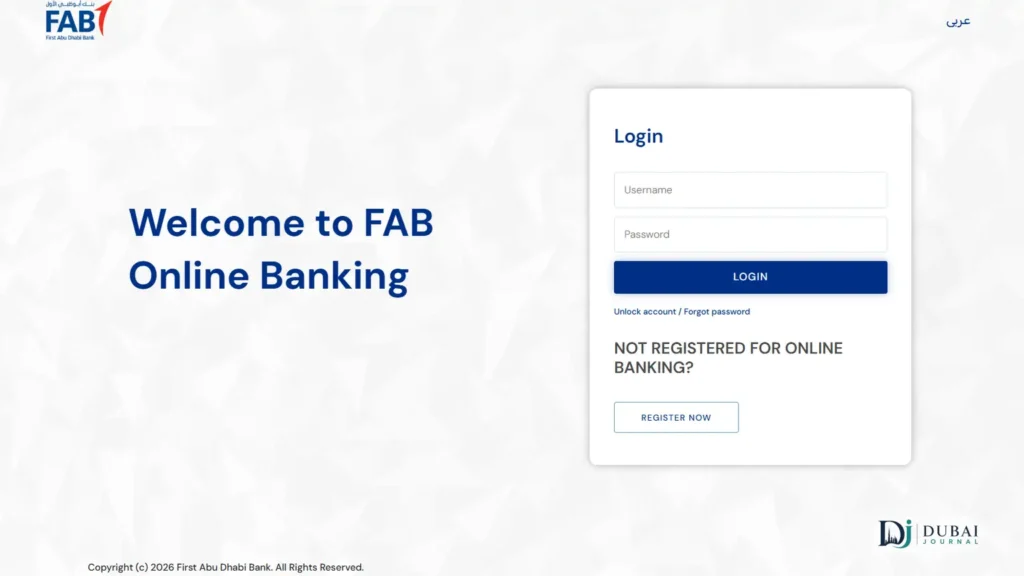
The fastest way to check your FAB (First Abu Dhabi Bank) balance is the mobile app or a quick SMS, but which method actually applies to you depends on what kind of FAB product you hold. A regular savings or current account, a Ratibi salary card, and a credit card each use a different check-balance flow. This guide covers all three.
Quick reference
| Method | Best for | How |
|---|---|---|
| FAB Mobile App | Full account holders | Log in with Customer ID or card number; Face ID/fingerprint supported |
| SMS Banking | No app or data needed | Text BAL + last 4 digits of your account to 2121 |
| Online Banking (iBanking) | Desktop/laptop, statements | online.bankfab.com |
| ATM / CDM | Fully offline | Insert card, enter PIN, select Balance Inquiry |
| Ratibi/Prepaid Portal | Ratibi and prepaid cardholders | ppc.magnati.com/ppc-inquiry |
| Payit App | Ratibi cardholders wanting an app | Register as a Ratibi cardholder in the Payit app |
Which FAB product do you have?
The card in your wallet determines which method works: a regular debit or credit card uses the app, SMS, iBanking, or ATM; a Ratibi salary card uses a different portal entirely. Here’s how to tell them apart:
| Product | Looks like | Check balance via |
|---|---|---|
| Regular account (savings/current) | A debit card tied to a bank account you opened yourself | App, SMS, iBanking, or ATM |
| Ratibi / prepaid card | A salary card issued through your employer, no bank account behind it | Magnati portal or Payit app |
| Credit card | A standard credit card, billed monthly | App or SMS with the CBAL keyword |
Regular FAB account (savings or current)
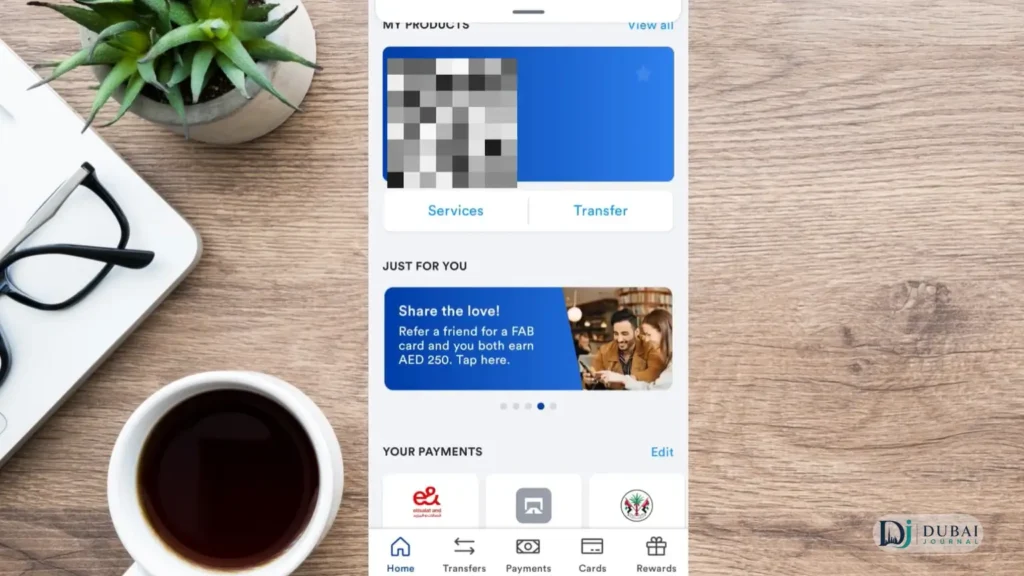
Mobile App
- Download FAB Mobile Banking from the App Store or Google Play.
- Log in with your Customer ID or card number, using Face ID or fingerprint if you’d rather skip typing.
- On the dashboard, check Available Balance (what you can actually spend or withdraw right now) against Current Balance (includes pending transactions that haven’t cleared yet; a recent card payment can make these two differ for a day or two).
SMS
- Text
BAL+ a space + the last 4 digits of your account number to 2121 (example:BAL 1234). - Works with no app or data connection.
- If it doesn’t go through, SMS banking may not be activated on your line yet. Enable it through the app or at a branch.
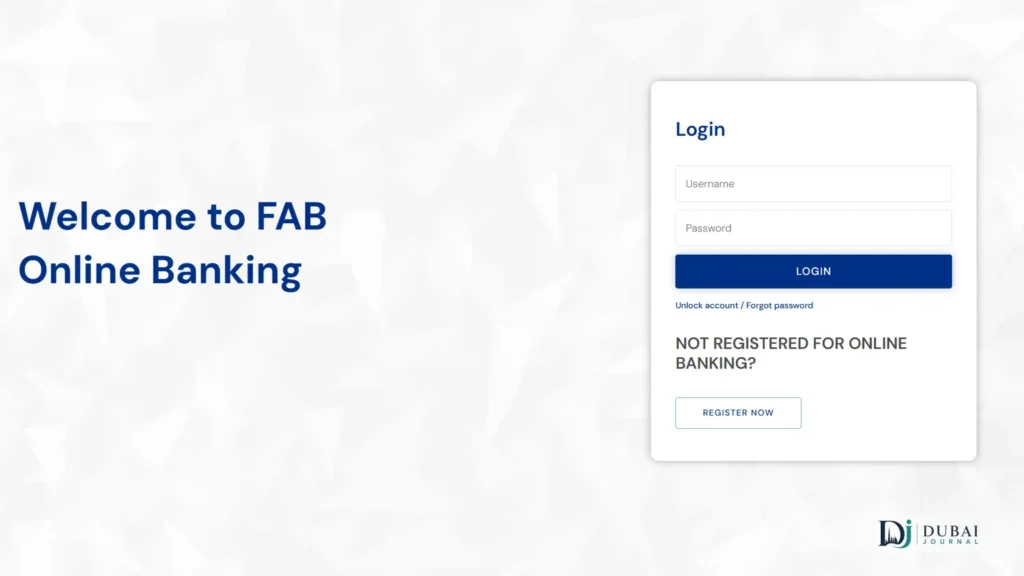
Online Banking
Log in at online.bankfab.com from any browser for full account details, statements, and transaction history.
ATM
- Insert your card.
- Enter your PIN.
- Select Balance Inquiry.
Many FAB ATMs can also print a mini-statement of recent transactions, if you don’t want to log into anything. For fees at other banks’ machines, see ATM balance check.
Ratibi or prepaid card
Ratibi and prepaid cardholders don’t use the same login as a full bank account.
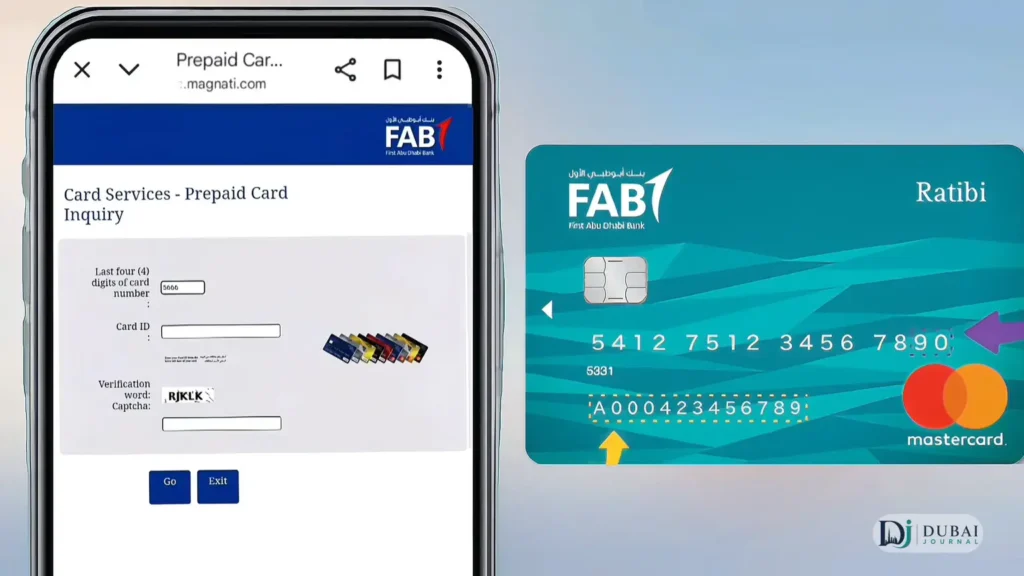
Magnati prepaid portal (official)
- Go to ppc.magnati.com/ppc-inquiry.
- Enter the last 4 digits of your card.
- Enter your Card ID number.
- View your balance. No separate login required.
Payit App
- Download Payit from the App Store or Google Play.
- During setup, select “Ratibi Cardholder.”
- Enter your registered mobile number and verify the OTP.
- Enter your card number to link the account.
Credit card balance
- SMS: text
CBAL+ the last 4 digits of your card number to 2121 (a different keyword than a regular account). - App: shows credit card balances too, if the card is linked to your profile.
If your card still says NBAD
FAB was formed in 2017 from the merger of National Bank of Abu Dhabi (NBAD) and First Gulf Bank. If you still have a card or account opened under the NBAD name, it now operates under FAB, and every method above works the same way. For the old login and prepaid-card channels, see NBAD balance inquiry.
Staying safe while checking your balance
- A search for “FAB balance check” turns up third-party sites unaffiliated with the bank, some mimicking the bank’s name in their own domain.
- None of the methods above require entering your full card number, CVV, or online banking password anywhere except
bankfab.com, the official FAB app, or the Magnati-run Ratibi portal. - A site asking for more than the last few digits of your card to show a balance is a red flag.
- Never share an OTP with anyone, including someone claiming to call from FAB. The bank will never ask for it over a call or message.
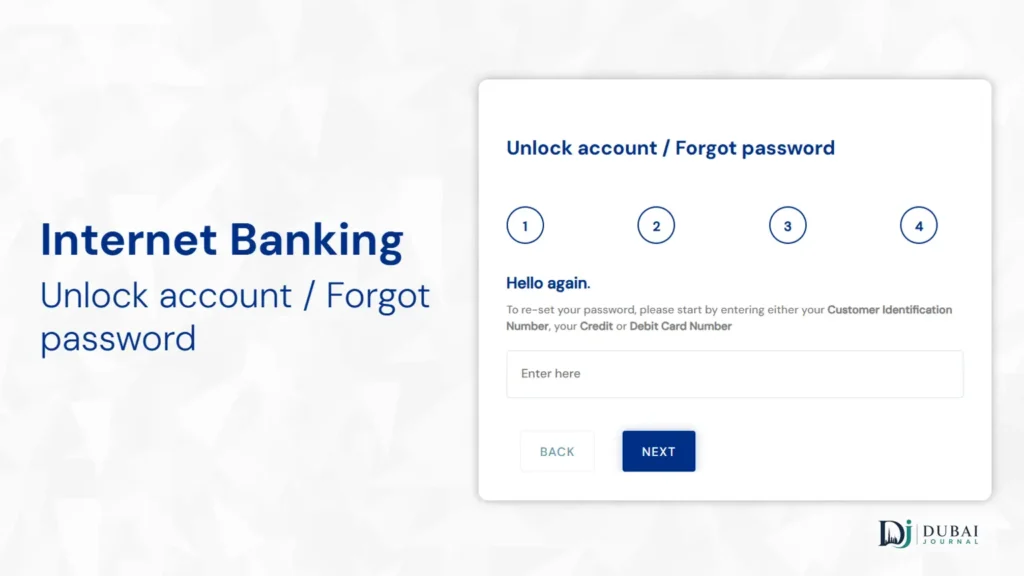
Forgot your online banking password?
- Go to bankfab.com and click Login → Personal Online Banking.
- Select Forgot Password.
- Enter your User ID and registered mobile number or email.
- Verify the OTP sent to you.
- Set a new password and log in.
Branch and phone support
- General customer-service line, per FAB’s own contact page: 600 52 5500.
- Branches: Sunday to Thursday, ranges from 8:00am to 10:00am starts, some branches closed Sunday.
- Mall branches: Saturday to Thursday, 11:00 AM to 7:00 PM.
- App, SMS, iBanking, and ATM are all available around the clock. Branch and phone hours are the only ones that vary.
FAQ
Is FAB the same as NBAD?
Yes. FAB was formed in 2017 from the merger of National Bank of Abu Dhabi and First Gulf Bank. Cards and accounts still branded NBAD work under FAB’s current systems.
What’s the SMS code to check my FAB balance?
BAL plus the last 4 digits of your account number, sent to 2121, for a regular account. For a credit card, use CBAL plus the last 4 digits of the card.
How do I check a Ratibi card balance without the mobile app?
Use the official prepaid portal at ppc.magnati.com/ppc-inquiry with the last 4 digits of your card and your Card ID. No login needed.
What if I forgot my Personal Online Banking password?
Use the Forgot Password flow at bankfab.com under Login → Personal Online Banking, verified by OTP to your registered mobile or email.
Can I check my balance without a smartphone or internet access?
Yes. SMS banking and any FAB ATM both work without a data connection or app.
Is it safe to use third-party “FAB balance check” websites?
Be cautious. The only official channels are the FAB app, bankfab.com, and the Magnati-run Ratibi portal. A third-party site asking for more than the last few digits of your card isn’t something FAB requires for a balance check.
Which method should you actually use?
- Regular bank account (debit or credit card): the app, SMS, iBanking, and ATM all show the same balance, so use whichever is fastest for you.
- Ratibi salary card: skip hunting for online banking credentials you don’t have. Use the Magnati portal or Payit app instead.
- Not sure which you have, or want one method that covers everything: the mobile app is the safest default. It covers every regular-account and credit-card scenario in this guide from a single login.

2 pingbacks