

FAB’s prepaid cards come with two separate sets of digital tools. Cardholders get an enquiry portal and the Payit app, while the company that loads the cards gets a corporate online banking module.
PPC is the shorthand for FAB’s prepaid card range, which includes the Ratibi payroll card and the Payment card for companies. Neither card needs a bank account, so the channels differ from the ones a FAB current account holder uses. A regular account holder follows the FAB bank balance check in FAB Mobile, online banking or SMS instead.
Which channel fits your card
The right channel depends on whether you hold the card or issue it.
| You are | Channel | What it handles | What it asks for |
|---|---|---|---|
| Ratibi or Payment cardholder | Prepaid card enquiry portal | Balance enquiry | Last 4 digits of the card, Card ID, captcha |
| Ratibi cardholder | Payit app | A Payit account linked to your Ratibi card | Emirates ID scan, Card ID, last 2 digits of the card, mobile number |
| Employer with Ratibi cards | iBanking corporate online banking | Card management and salary transfers to cards | Corporate ID, User ID, mobile number, email |
| Company with Payment cards | Corporate online module | Card requests, PIN resets, reloads, payment files | Access FAB grants to named staff |
Prepaid card enquiry portal
Open the Magnati prepaid card enquiry portal in any browser, then work through four fields:
- Enter the last 4 digits of the card number.
- Enter the Card ID.
- Type the captcha.
- Select Go.
The Card ID is a separate number from the 16-digit card number, so the card number alone does not open the enquiry. Payment cardholders use the same portal for their free online balance enquiry.
The same portal covers the Ratibi card salary check on payday. A card with the old NBAD logo still works under FAB, and an NBAD balance inquiry goes through the same portal.
Payit app for Ratibi cardholders
Payit is the app FAB provides for holders of Ratibi and other FAB-issued cards, and its Ratibi sign-up links your card to a Payit account. Registration takes six steps:
- Install Payit and choose Ratibi Cardholder.
- Scan your Emirates ID and confirm the details.
- Enter your Card ID and the last 2 digits of the card.
- Enter your mobile number.
- Type the 6-digit code that arrives by SMS.
- Create a 4-digit PIN. The welcome screen opens once the PIN is set.
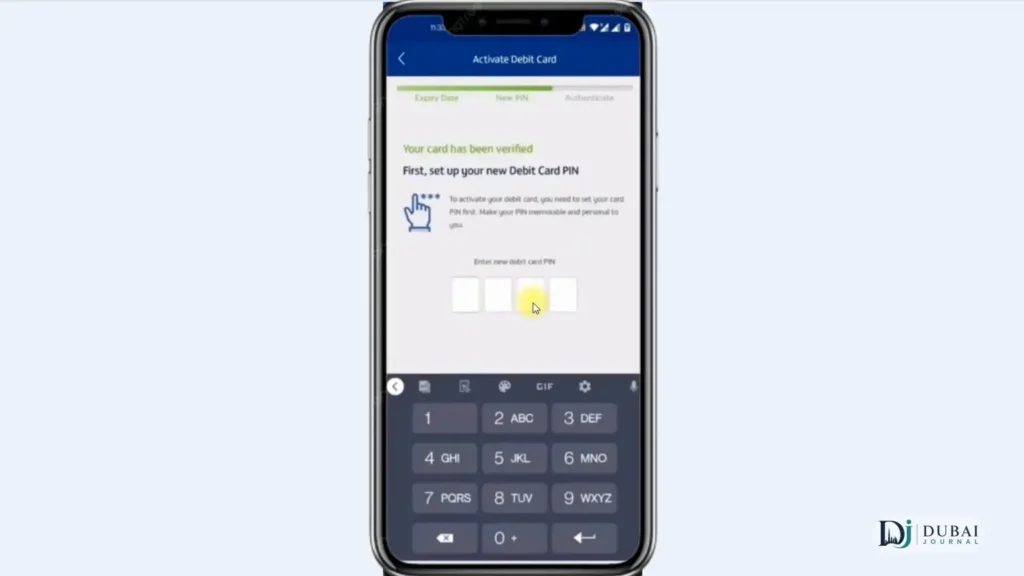
Payit asks for the last 2 digits of the card where the enquiry portal asks for 4.
What Payit adds
Beyond the balance, Payit pays a fixed set of bills and sends money abroad:
- Etisalat postpaid and prepaid, du prepaid, Mawaqif top-ups and fines, and Salik top-ups can be paid after you register the bill in the app.
- International transfers run over SWIFT, so the money reaches the beneficiary in 2 to 3 working days.
- onDemand Payit is a short-term credit that lands in your Payit account. It must be repaid within 30 days, and a missed due date adds a fixed AED 10 late fee.
Three wrong PIN attempts block access. The Payit call centre on 600 54 3329 unblocks the account after verification, and the same line delinks the app from a lost or stolen phone.
Employer & company access
Every Ratibi card starts with the employer, because an employee cannot apply for one alone.
Ratibi setup for employers
FAB issues Ratibi cards only when three conditions hold:
- The employer holds a corporate account with FAB.
- The employee is a UAE resident.
- The employee’s KYC details are complete and up to date.
The application has three documents, all available from FAB’s Ratibi page: the Ratibi application form (which covers WPS or non-WPS salary transfer), the employees’ details Excel file, and the iBanking corporate online banking application. Submit them at the nearest FAB branch or community banking branch.
The employer is the contact point between employees and the bank and must teach staff how to handle the card. A card an ATM keeps is destroyed, and the employer applies for the replacement.
iBanking registration
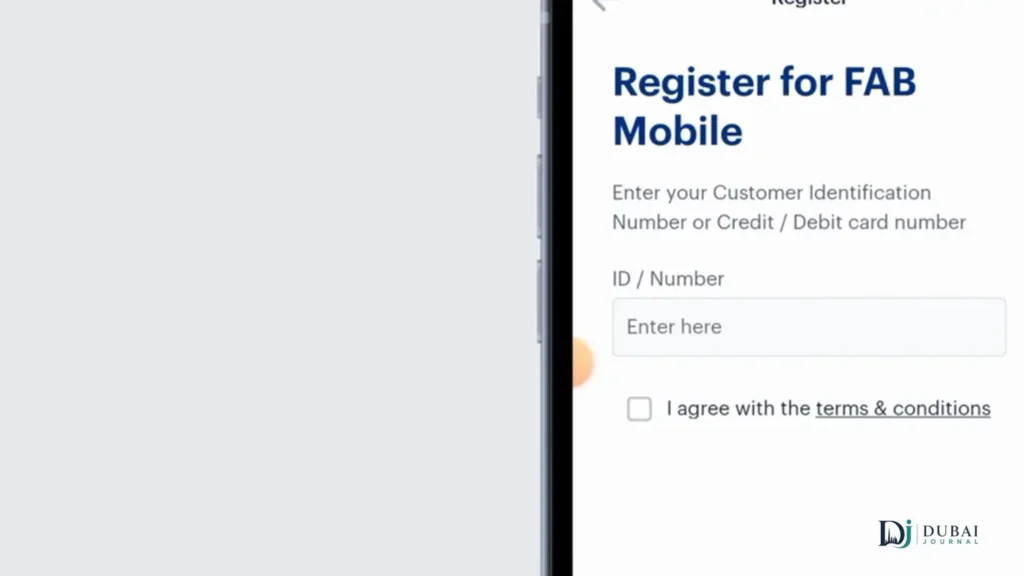
iBanking access starts with two IDs that FAB issues: a Corporate ID and a User ID. Activate them on the FAB iBanking registration page by entering:
- The Corporate ID.
- The User ID.
- A mobile number in the 9715XXXXXXXX format. An international number uses the country code without 00 and with no spaces.
- An email address.
For help with the registration screen, call +971-2-6920766.
What the online module handles
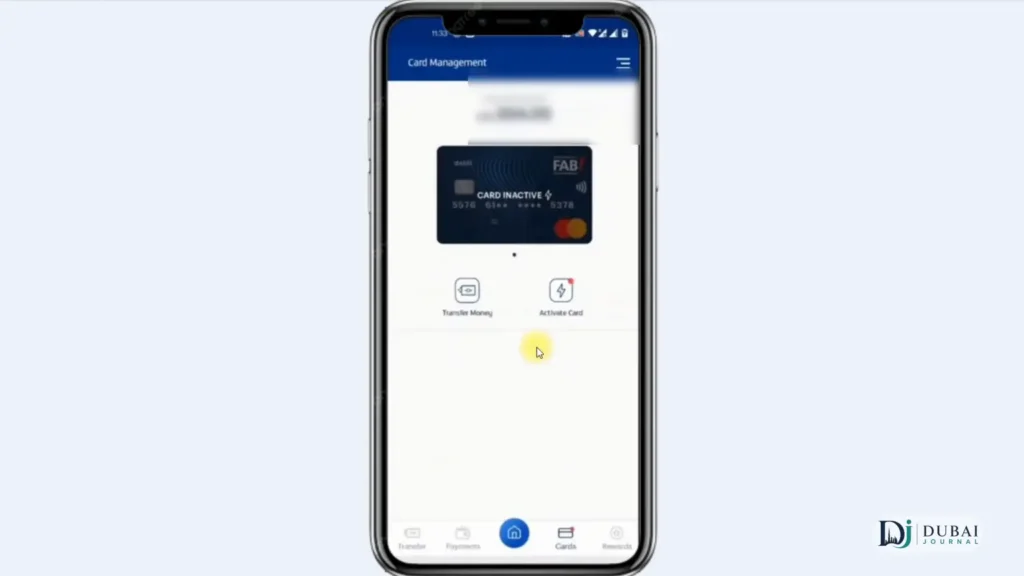
Once access is active, the module for Payment cards covers these actions:
- New card requests, individual or bulk
- Card status changes, individual or bulk
- Card modification and replacement
- PIN reset
- Dispute form upload
- Load or reload to cards
Dedicated staff from the company get access under agreed terms and see transactions in real time. They can also upload payment files from the office.
For Ratibi payroll, salary moves from the corporate account to the cards through online banking. FAB supplies a WPS SIF file creator in Excel alongside the Ratibi forms for WPS salaries. Non-WPS salaries go as a bulk file over the same electronic channel with one debit entry on the company account, and individual entries stay visible only to restricted users.
Ratibi vs Payment card
Choose Ratibi when the cardholders are employees earning up to AED 5,000 a month. Choose the Payment card when the cards cover company petty cash and recurring payments.
| Ratibi | Payment card | |
|---|---|---|
| Issued for | Salary payments to employees | Petty cash and recurring company expenses |
| Bank account needed | No | No |
| Monthly and minimum balance charges | None | None |
| PIN | Cardholder picks it at a FAB ATM | Cardholder picks it at a FAB ATM |
| Extras | WPS compliance, SMS alert on every salary credit, free personal accident insurance | No activation required, authorisation limits and expense reports for the company |
Ratibi’s accident cover pays five times the monthly salary, up to AED 25,000, for death or permanent total disability. Hospitalisation of at least 24 hours after an accident pays AED 50 a day for up to 30 days, capped at AED 1,500.
The trade-off on both cards is control. The corporate module belongs to the employer or company, and card requests, replacements and reloads are actions that module performs on cardholders’ accounts.
Security & phone lines
FAB never asks for personal, card or account details in response to an SMS, email or call. Use only the portal, app and registration page named above, and call the number that matches your channel:
| Channel | Number |
|---|---|
| FAB customer service, within the UAE | 600 52 5500 |
| FAB customer service, outside the UAE | +971 2 681 1511 |
| Ratibi service, within the UAE | 600 52 2298 |
| Ratibi service, outside the UAE | +971 2 499 6279 |
| iBanking registration help | +971-2-6920766 |
| Payit call centre | 600 54 3329 |
FAQ
What does PPC mean at FAB?
PPC is the shorthand for FAB’s prepaid card range. The enquiry portal is titled Prepaid Card Inquiry, and it serves Ratibi and Payment cardholders.
Do I need a bank account for a Ratibi card?
No. Ratibi pays your salary onto the card without a bank account. If you want FAB Mobile and Personal Online Banking as well, you can open a FAB bank account online with an Emirates ID and a video selfie.
Can I apply for a Ratibi card myself?
No. Your employer must hold a FAB corporate account and submit the application, and only employees with complete KYC details are accepted.
Do the portal & Payit ask for the same card details?
Both ask for the Card ID. The enquiry portal also asks for the last 4 digits of the card and a captcha, while Payit asks for the last 2 digits after an Emirates ID scan.
Is Payit the same app as FAB Mobile?
No. Payit is a separate app with its own PIN and call centre. FAB account holders can top up a Payit account from FAB Mobile.
Who can register for iBanking?
Corporate customers whose Corporate ID and User ID FAB has issued. An employee or cardholder without those IDs cannot activate access.
What to do next
- Cardholders: open the enquiry portal with the last 4 digits and Card ID, and register Ratibi in Payit for bill payments and transfers.
- Employers: complete the Ratibi application, the employees’ details file and the iBanking form, then submit them at a branch.
- Company staff: activate iBanking with the IDs FAB issues and save the Ratibi and iBanking numbers before payroll day.
